DMS 1.0 "The Dark Knight" Released
· 14 min read

DMS 1.0
The Dark Knight
We're excited to announce DankMaterialShell (DMS) 1.0! ~ DMS is a Desktop Shell for Wayland Compositors built with Quickshell & GO.
What started as a small hobby project has grown into a full desktop shell and application suite with thousands of users and dozens of contributors - with first class support for niri, Hyprland, Sway, MangoWC, and LabWC. As well as general support for all compositors implementing select wayland protocols.
This release marks more than just a version number, it's a commitment to stability and predictability. Going forward, DMS will follow a milestone/roadmap-based release cycle, with bug-fix releases as needed in-between major versions.
DMS has come a long way since its inception, and we're excited to pivot towards a more structured development process - which represents a step towards making DMS a mainstream Linux desktop project.
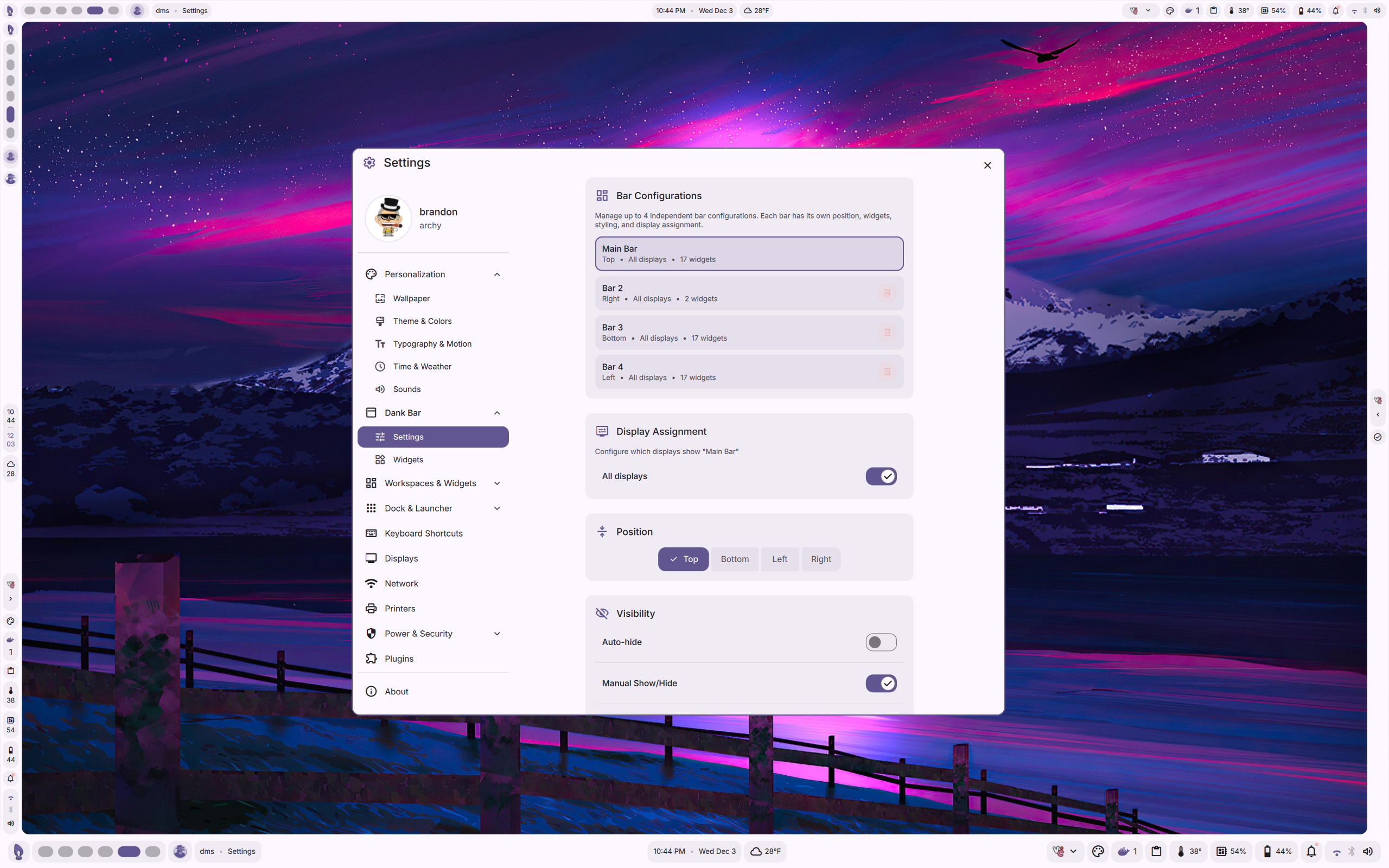
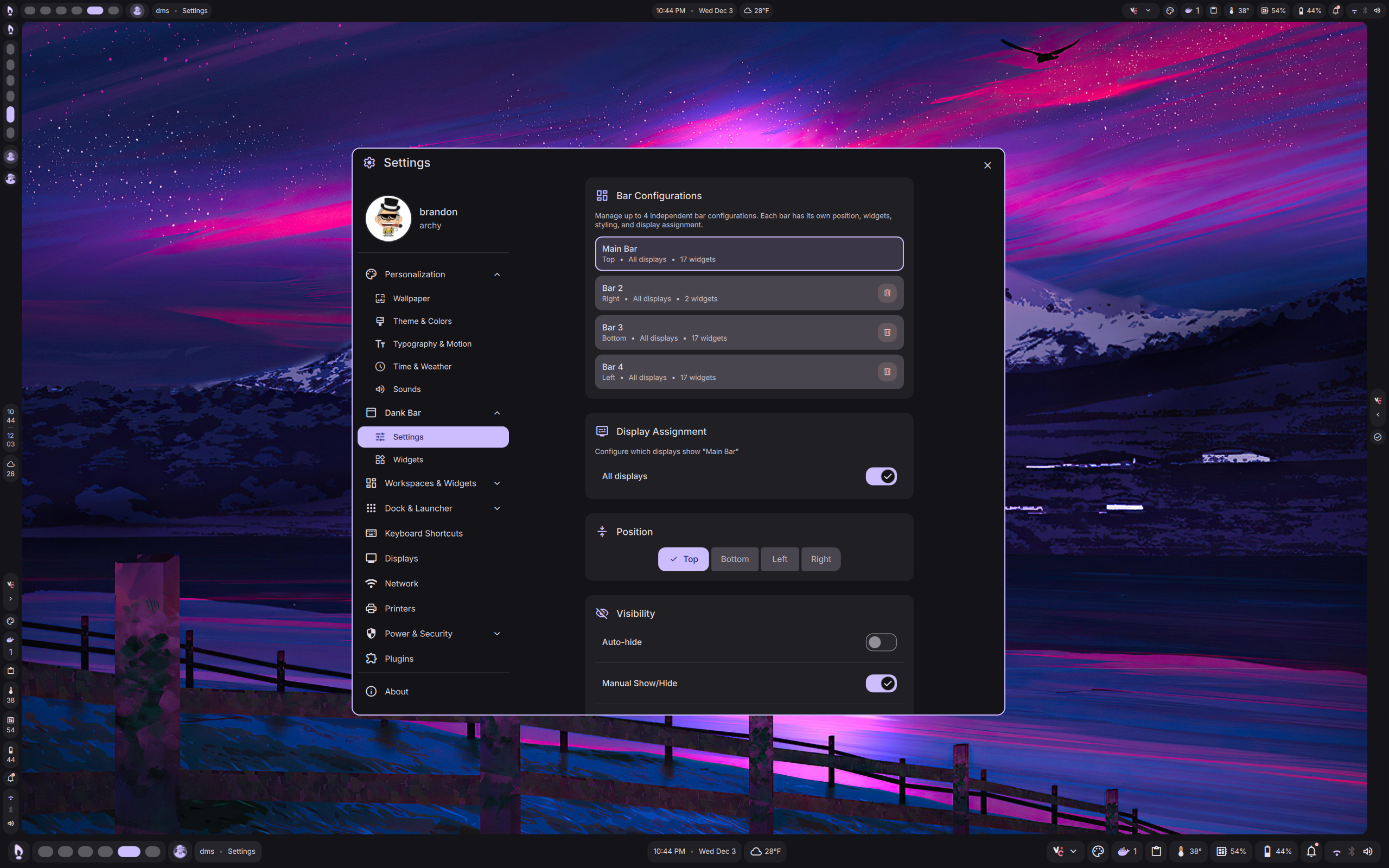
Add up to 4 bar configurations, each with their own set of widgets, layout, and style. Configure which monitor each bar appears on and independently control each bar with new IPCs.
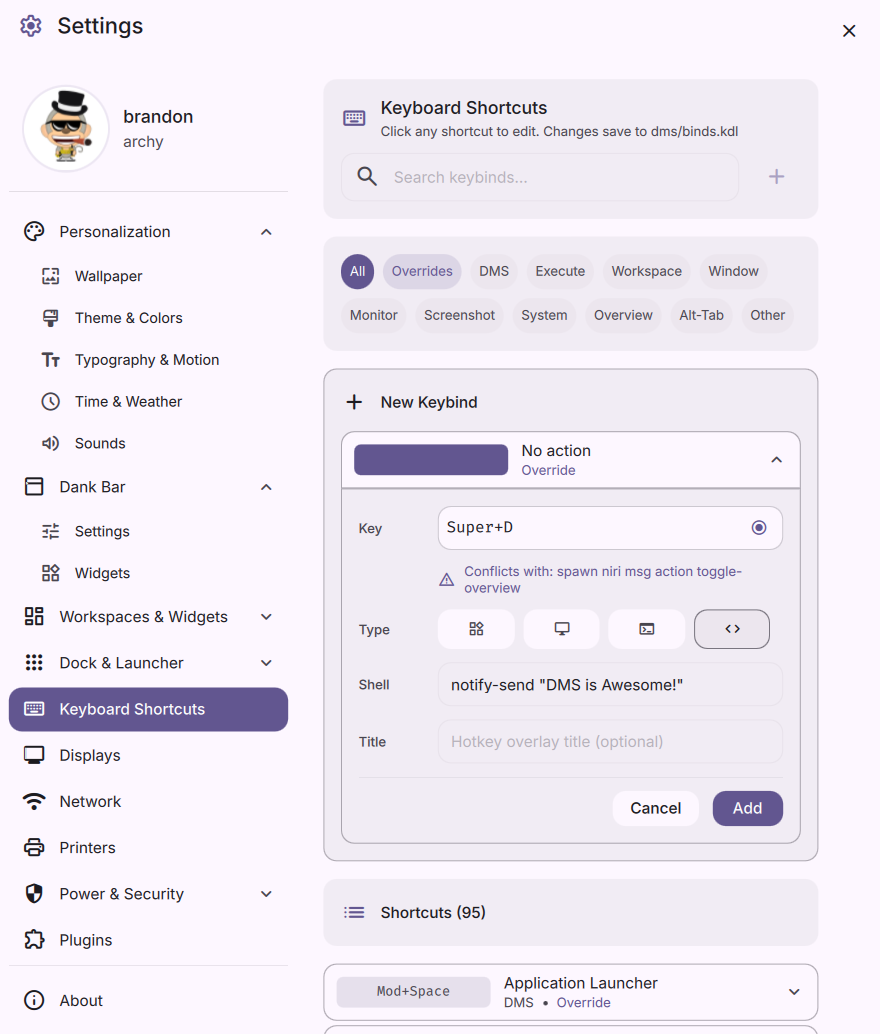
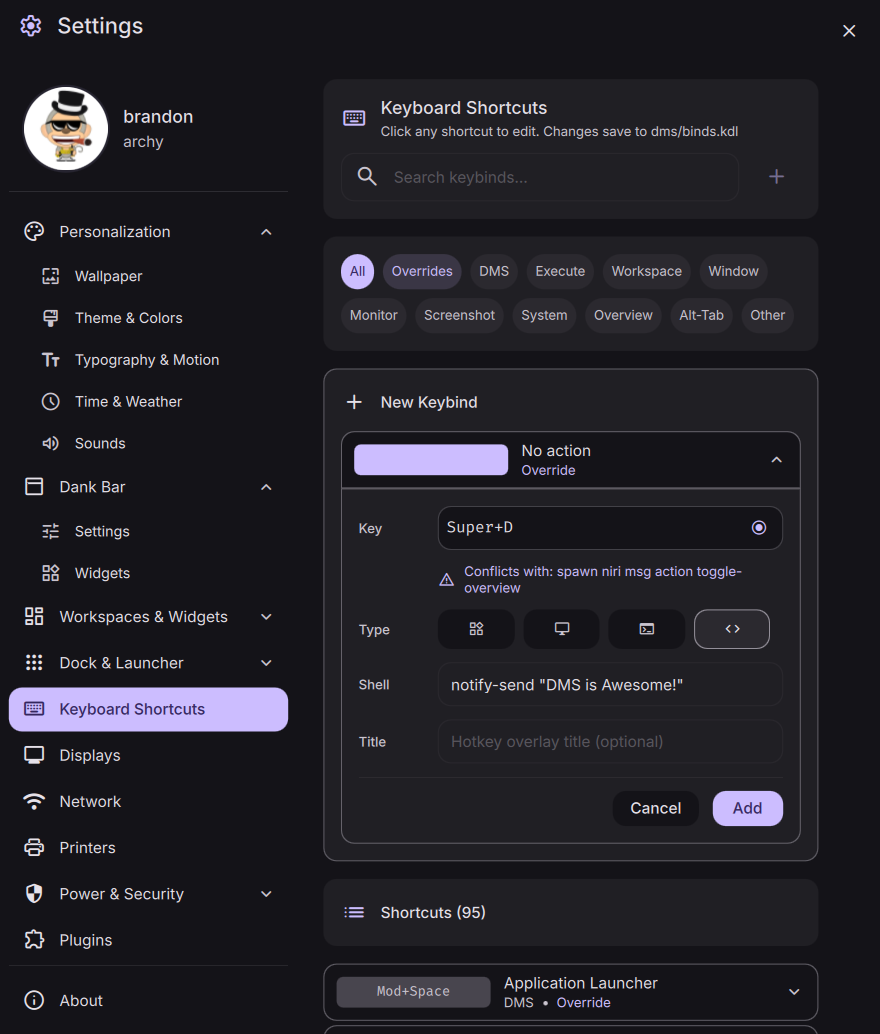
Configure global keyboard shortcuts - available to niri users. Requires quickshell version from DankLinux repositories or quickshell-git from AUR.
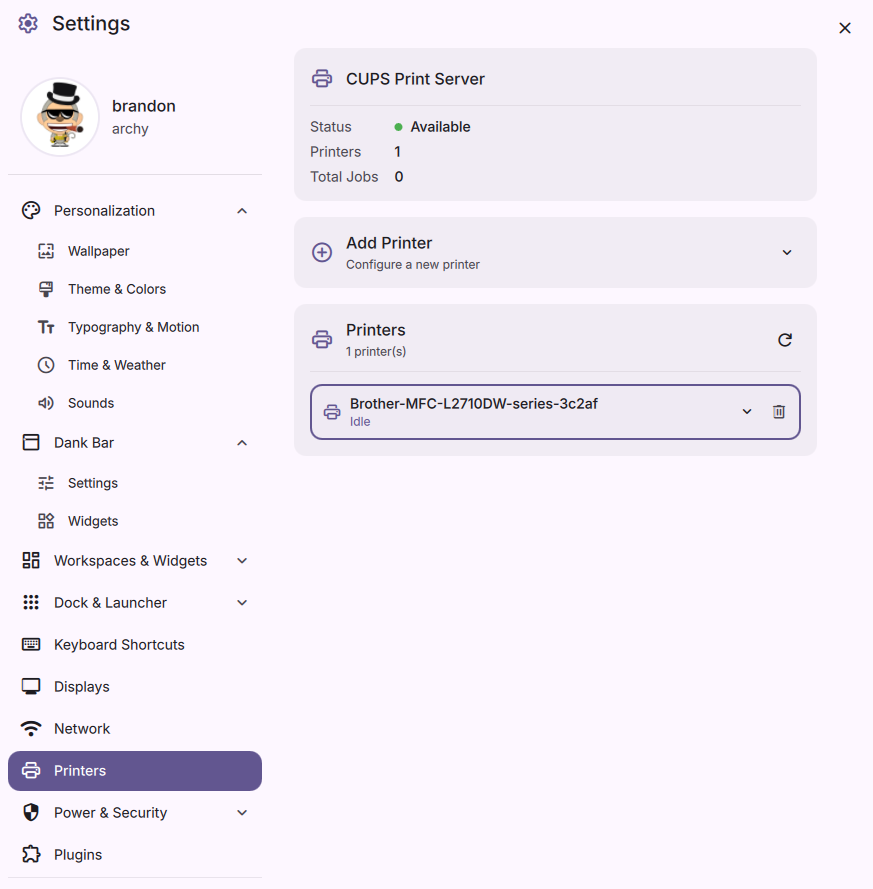
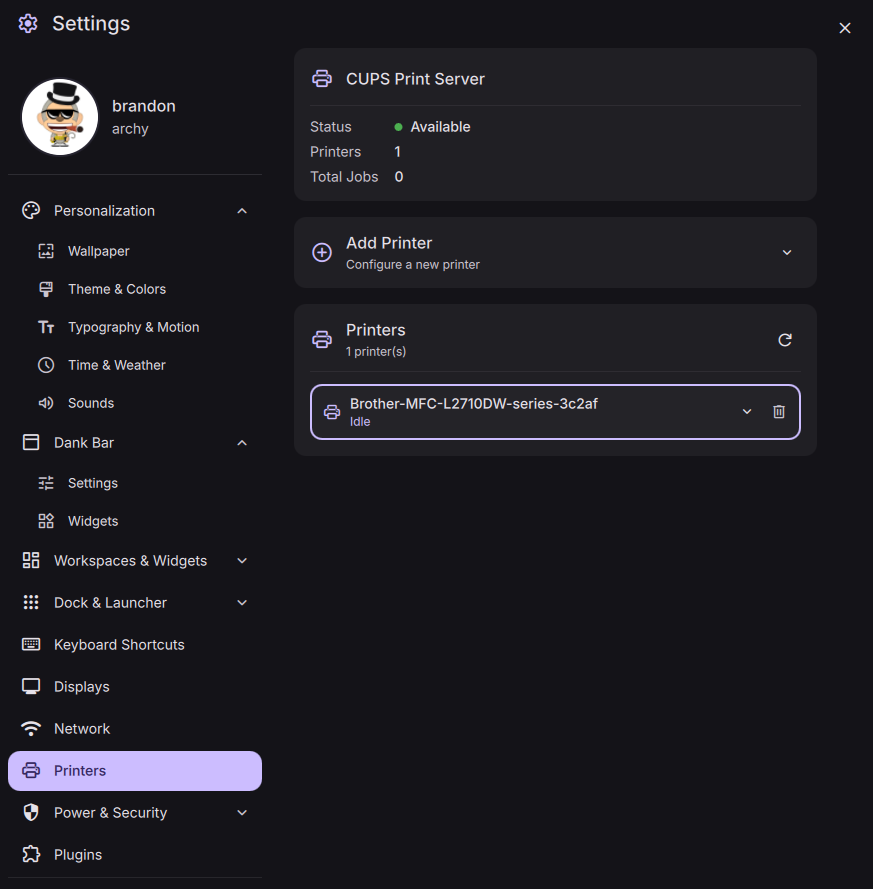
Manage printers directly from DMS Settings with CUPS integration. Add, remove, and configure printers with ease. A new control center widget allows viewing printers and managing print jobs.
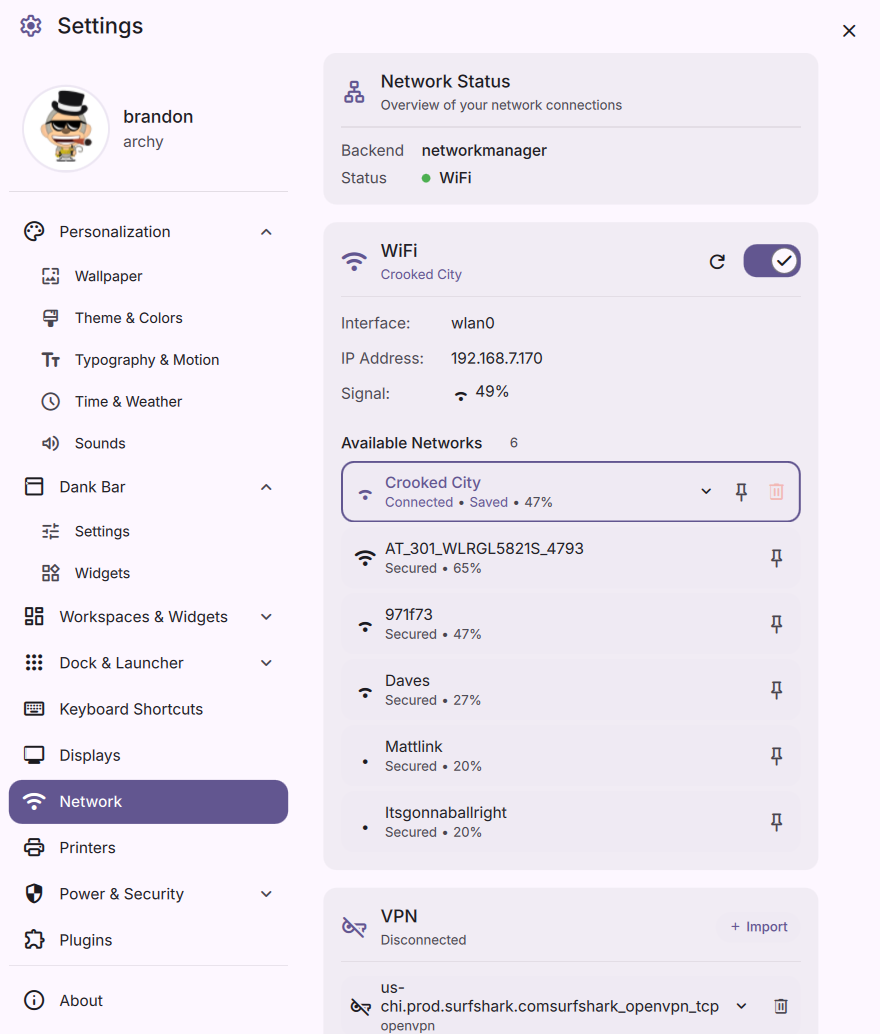
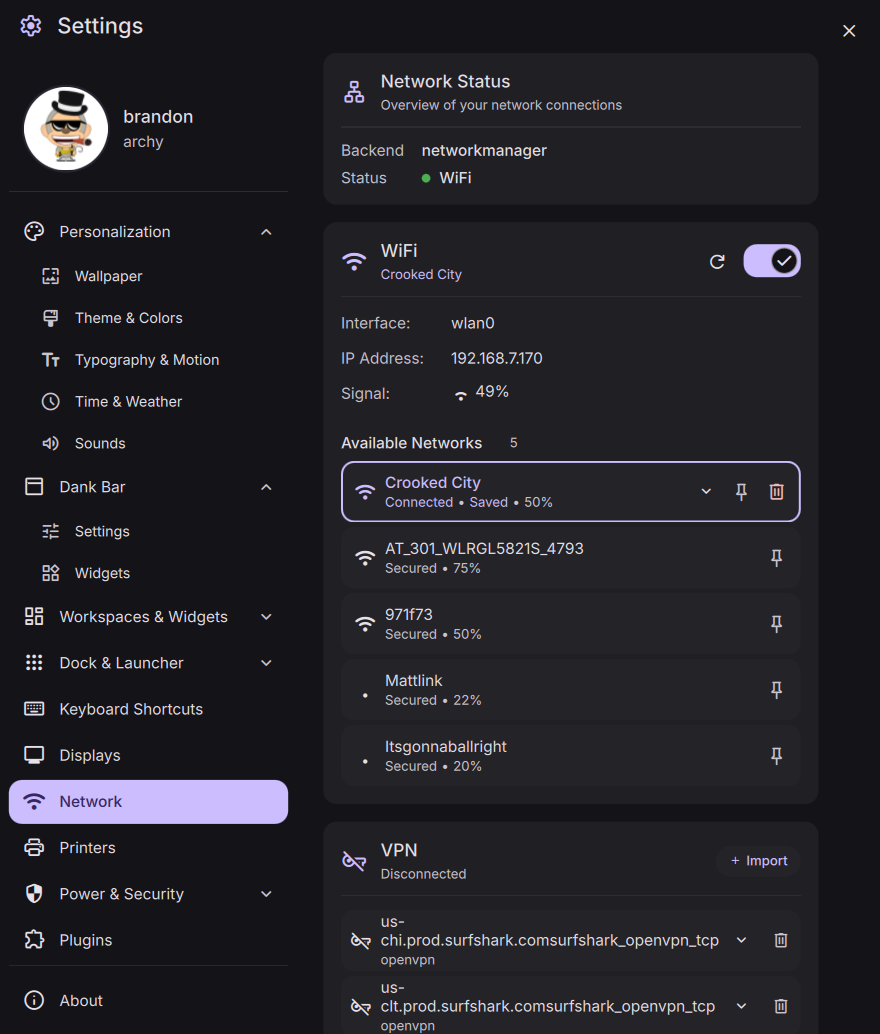
Comprehensive network view with support for NetworkManager, IWD, and systemd-networkd. Import VPN profiles, manage connections, and connect to Wi-Fi networks.
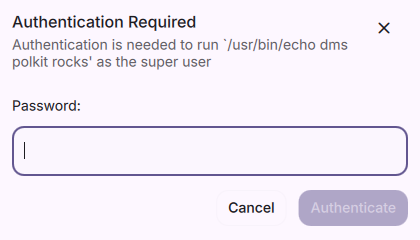
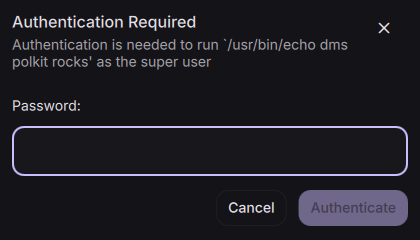
DMS now includes its own Polkit agent for handling privilege escalation requests. No more need for external polkit agents like polkit-gnome, mate-polkit, or kde-polkit.
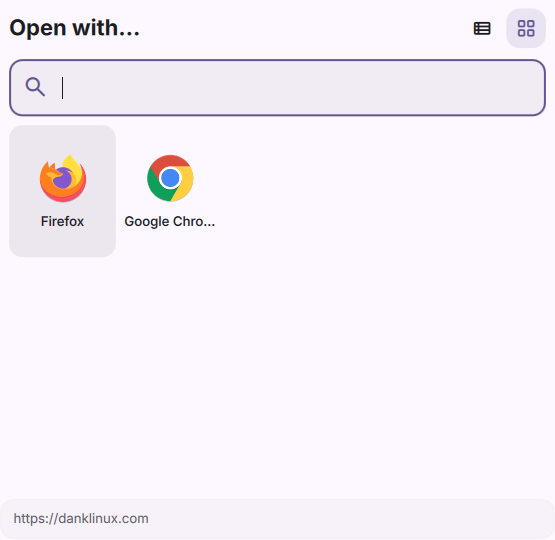
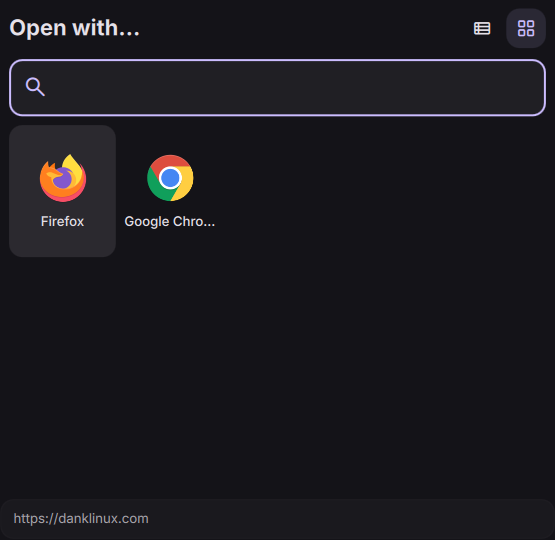
Set default applications for different file types and protocols directly from DMS Settings. Easily manage which apps open specific file formats and choose your preferred applications for handling various file types and links. See the desktop integration documentation.
Special thanks to @devnullvoid for the contribution.
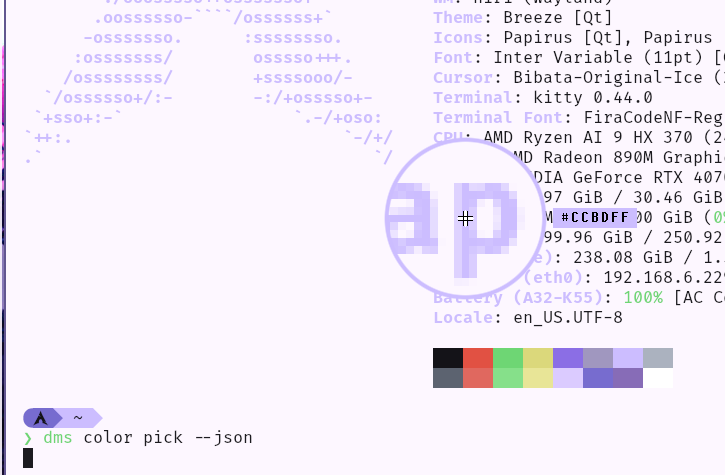
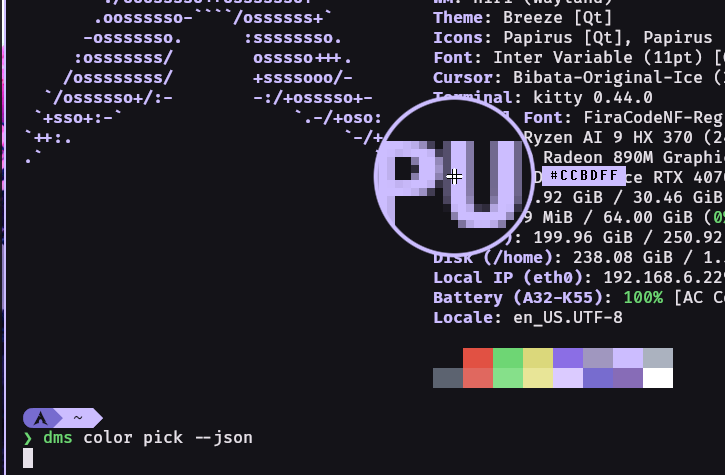
The color picker is not new, but the eye dropper/color picker tool is now built-in to DMS - no more need for third-party tools! It is now integrated into DMS and available as a standalone tool for Wayland compositors. See the CLI color picker documentation.
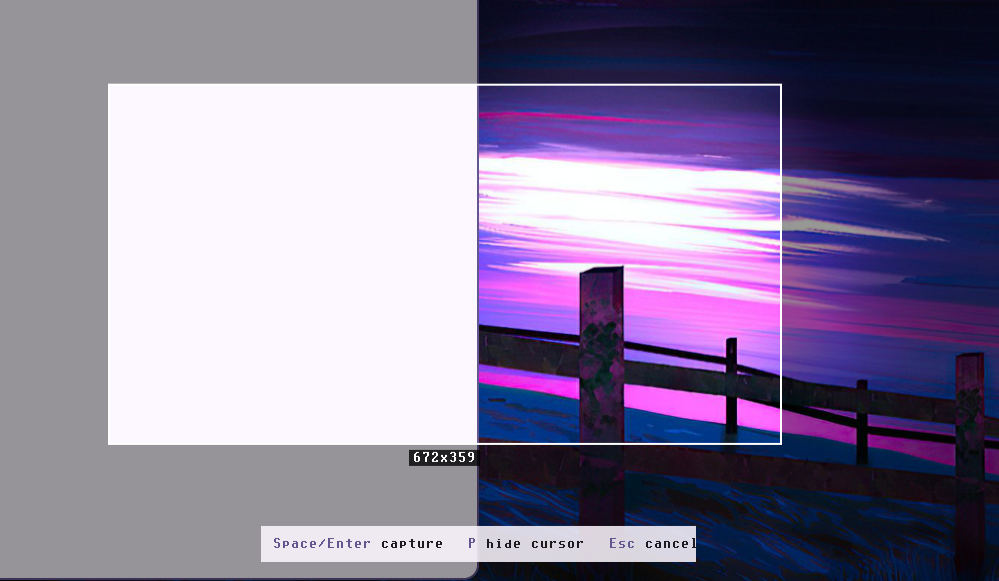
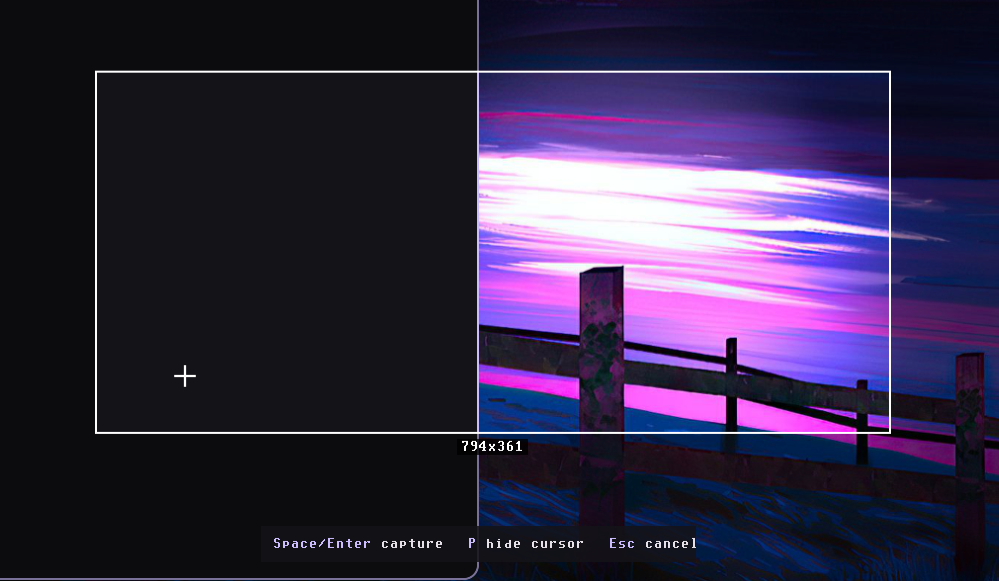
DMS now ships with its own screenshot tool - no need for grim, slurp, or grimblast anymore. Capture a region, a single screen, all screens, or currently focused window (Hyprland/MangoWC/DWL only). Save to clipboard, file, stdout, or mix and match. Get notified when it's done. Supports PNG, JPEG, and PPM formats. See the CLI screenshot documentation.
Compatible with many Wayland compositors including Hyprland, Sway, MangoWC, and niri.
DMS features a powerful plugin system that allows developers and enthusiasts to extend the shell with custom functionality. The plugin ecosystem now includes 26 community-created plugins, with 6 new additions since the v0.6.2 release. From system utilities to creative tools, the plugin system makes it possible to add custom widgets, integrate with external services, or build entirely new features on top of DMS.
Explore the full plugins directory to discover community contributions including wallpaper engines, system monitors, media controls, container management, and more. New plugins are being added regularly as the community continues to build amazing extensions.
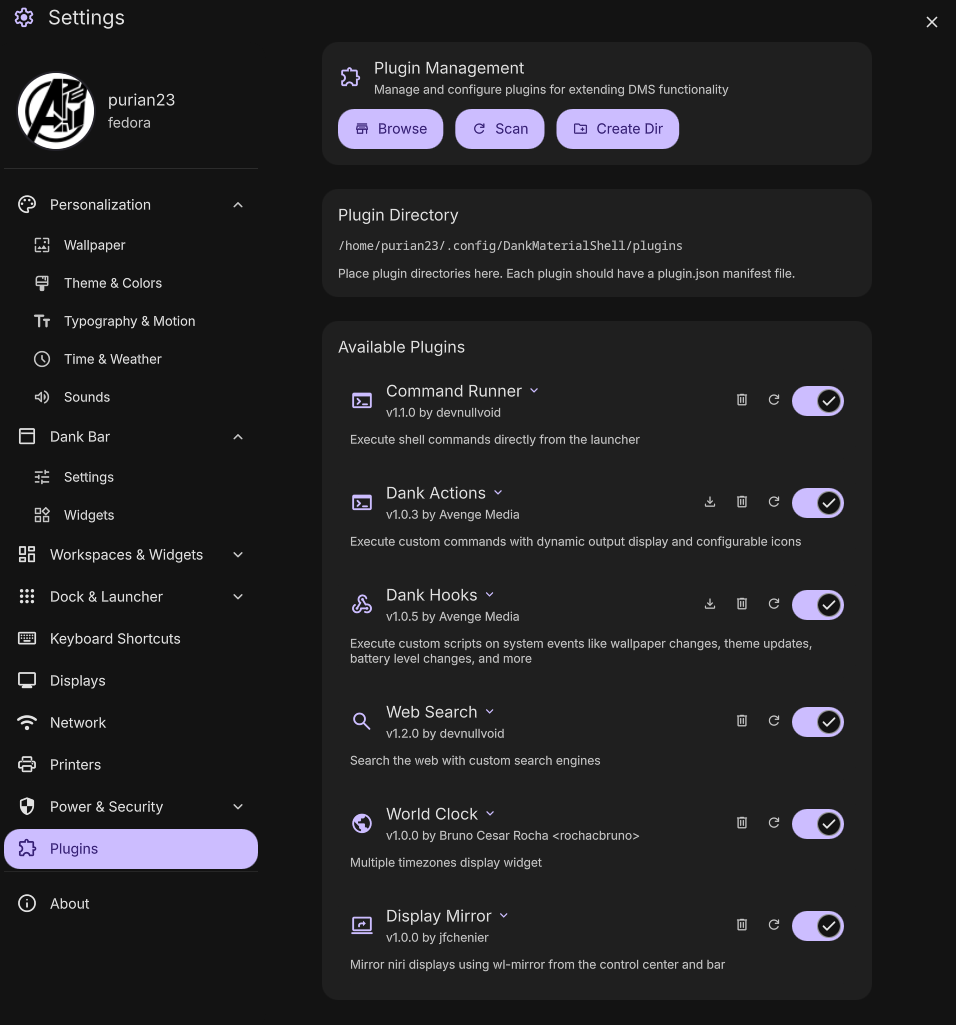
Special thanks to rochacbruno for developing and iterating on the plugin system, as well as maintaining the plugin registry.



DMS is now available through the DankLinux Repository with official packages for Ubuntu, Debian, OpenSUSE, and Fedora/CentOS via PPA, OBS, and COPR. Arch Linux users can grab it from the Arch User Repository (AUR).
This includes not only DMS itself but also core dependencies that may be used with or without DMS including:
Development packages/nightly builds are also available via the same repositories


DMS is now available on nixpkgs unstable. This simplifies installation significantly for NixOS users and those using Nix package manager and represents a major step towards broader adoption. Check the available options on search.nixos.org.
Special thanks to @LuckShiba for creating the nixpkgs package and @marcusramberg for approving!
DMS has become more than just a desktop shell. It is a comprehensive suite of tools that provide core desktop features in a cohesive, integrated way - or as completely standalone utilities to enrich non-DMS desktops.
TL;DR DMS replaces many tools commonly used for Wayland desktops. No brightnessctl, ddcutil, grimblast, nmcli, iwctl, grim, slurp, wofi, fuzzel, swayidle, hyprlock, mate/gnome/kde polkit, mako/dunst, hyprpicker, sddm, or (a bunch of other stuff) needed anymore. Fully optional, and completely standalone from DMS itself.
Since the last v0.6.2 release, DMS has received extensive bug fixes and stability improvements across all components:
Screenshot & Color Picker
Bar & Dock
Display & Monitors
Audio & Media
Network & VPN
Keyboard & Input
Brightness & Gamma
Settings & System
Notifications & UI
Lock Screen & Power
Wallpaper & Themes
Build & Distribution
Plugin System
And many more targeted fixes across the entire codebase to ensure stability and reliability across all supported compositors (Hyprland, Sway, niri, MangoWC, LabWC, and DWL).
Get Started with DMS →
 Special thanks to YaLTeR for collaborating with the DMS team, for niri - the compositor that inspired DMS, and for hosting DMS on the niri Discord.
Thank You
To everyone who has supported DMS through feedback, contributions, sponsorships, donations, and packaging.
Here's to many more releases ahead!