Compositor Blur
On compositors that support the ext-bg-effect-v1 protocol (such as niri), DMS can ask the compositor to blur whatever sits behind its surfaces — bars, popouts, modals, and notifications.
Enabling
Toggle Background Blur under Settings → Personalization → Theme & Colors.
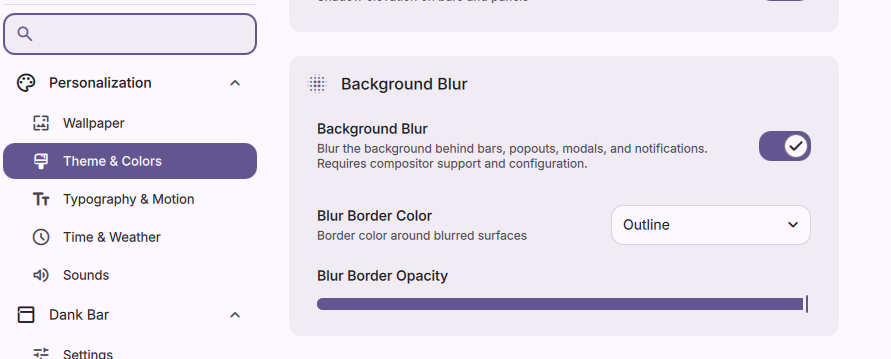
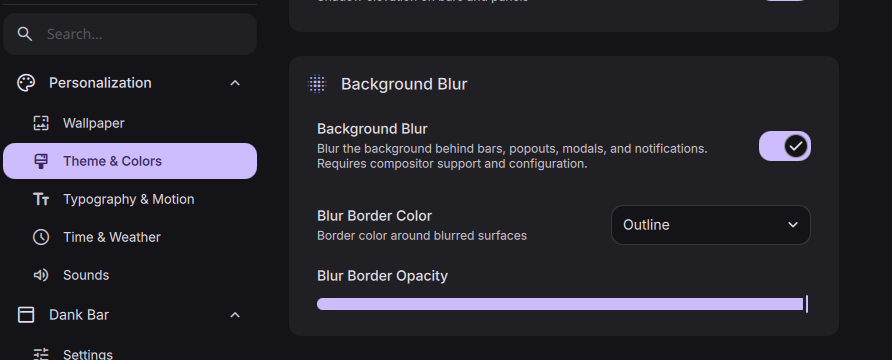
This requires compositor support. If your compositor doesn't implement ext-bg-effect-v1, the toggle has no effect.
On compositors without ext-bg-effect-v1 support — such as Hyprland — you may still be able to blur DMS surfaces via compositor-side layer rules. See Layer Namespaces for per-namespace blur examples.
Making It Visible
Blur only shows through transparent pixels. Lower the opacity on the surfaces you want to see through — found under Theme & Colors → Widget Styling. Fully opaque surfaces will look the same as before.
Blur Border
Surfaces with rounded corners can look a little rough along the edge where the blur meets the radius. The Blur Border Color and Blur Border Opacity options paint a subtle outline that smooths out those edges — recommended if you're using any corner rounding.