New Desktop Widgets & Plugins Coming in DMS 1.2

The next DMS release has a new type of widget and plugin, Desktop Widgets. These are little applets that live on your desktop, below your windows and above your wallpaper.
We are pre-announcing this feature to highlight the plugin ecosystem and to encourage the community to build these new types of widgets.

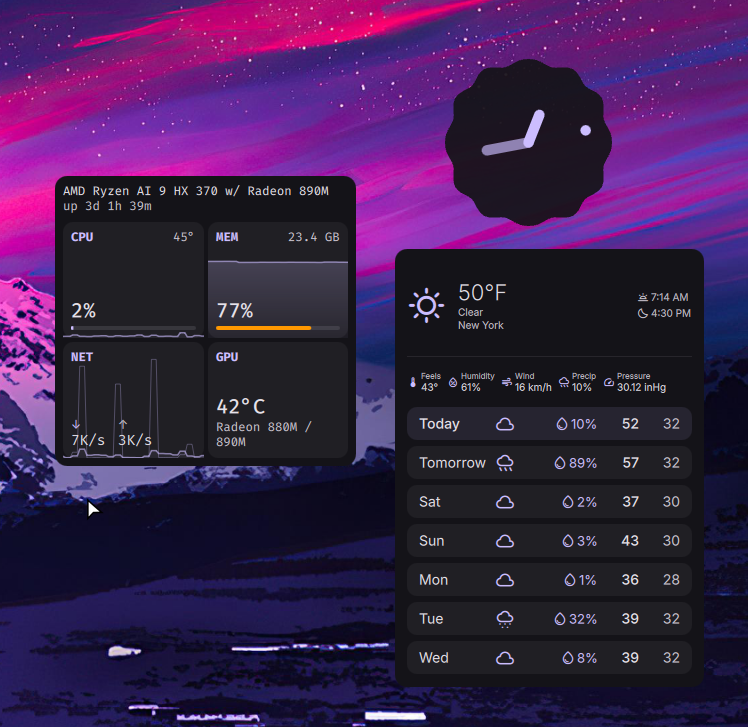
What Are Desktop Widgets?
Desktop widgets are small, interactive components that live below windows and above your desktop wallpaper. With these new widgets, you can add useful information and tools to your desktop without cluttering your workspace.
They can be positioned, placed, and sized per-display.
With the DMS plugin system, these widgets are extremely easy to build so we are looking forward to seeing what the community creates! We hope to feature some community widgets in the next 1.2 release.
Built-in Desktop Widgets
DMS 1.2 will ship with two built-in desktop widgets:
Clock
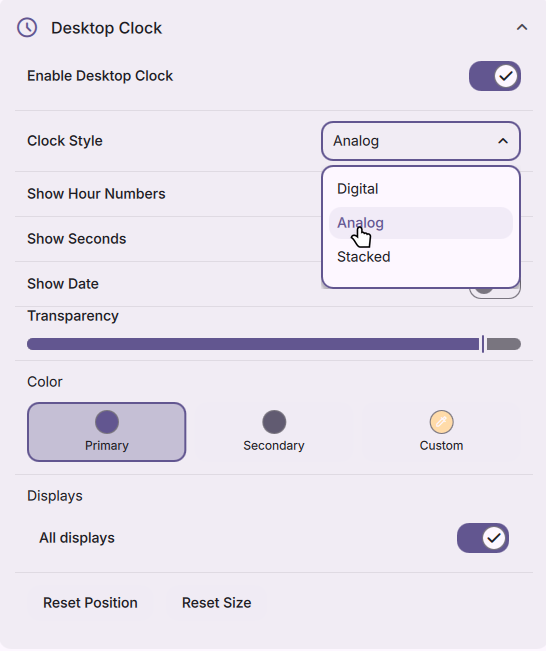
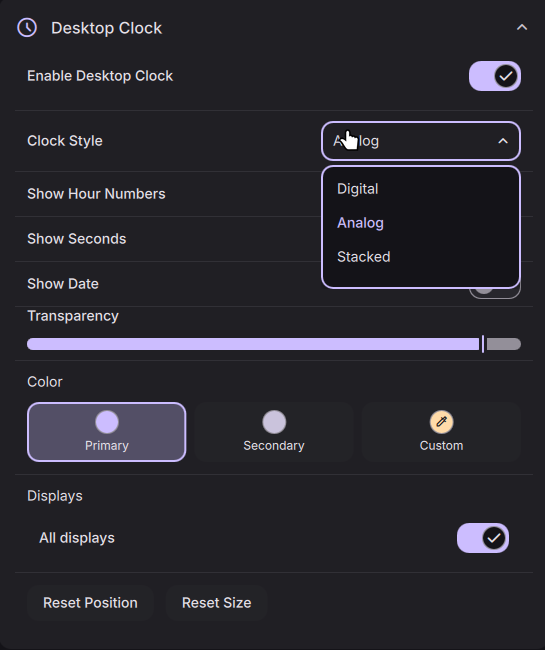
A configurable clock with configurable analog and digital modes, modeled after the Material expressive clock widgets.
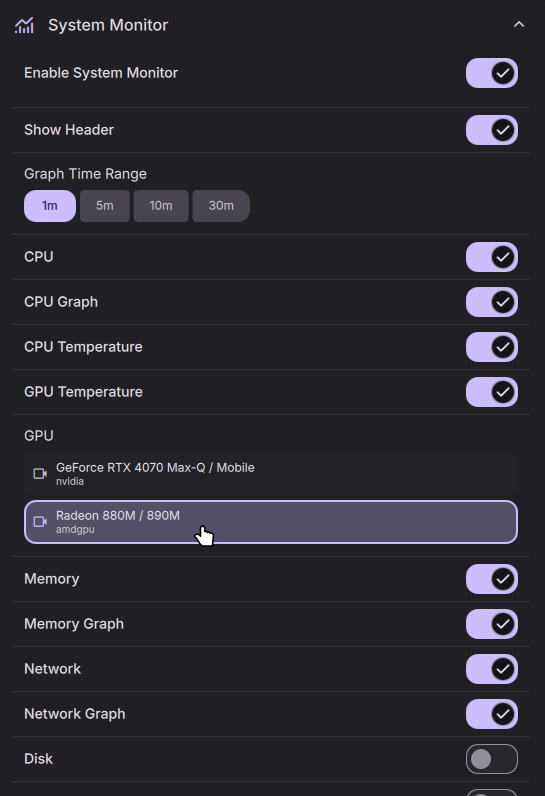
System Monitor (dgop)
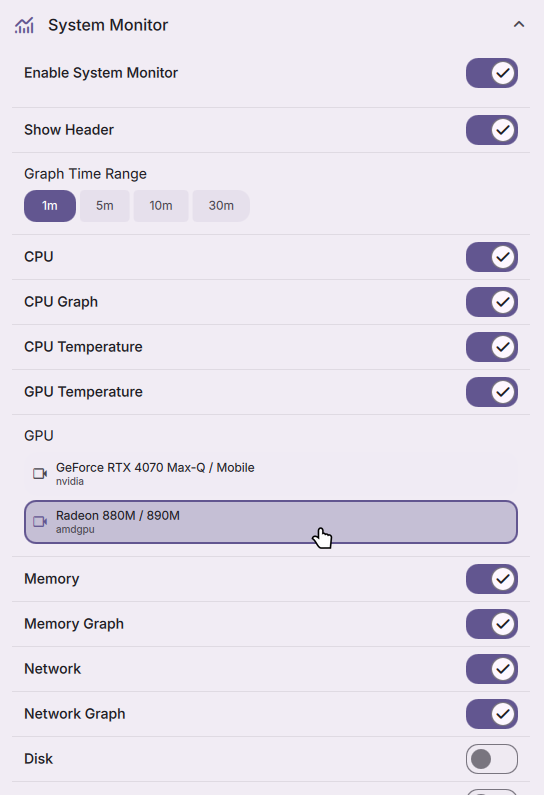
A configurable system monitor that can display CPU, memory, GPU, disk, network, process, temperature, and other system information in a variety of formats.
Desktop Widget Plugins
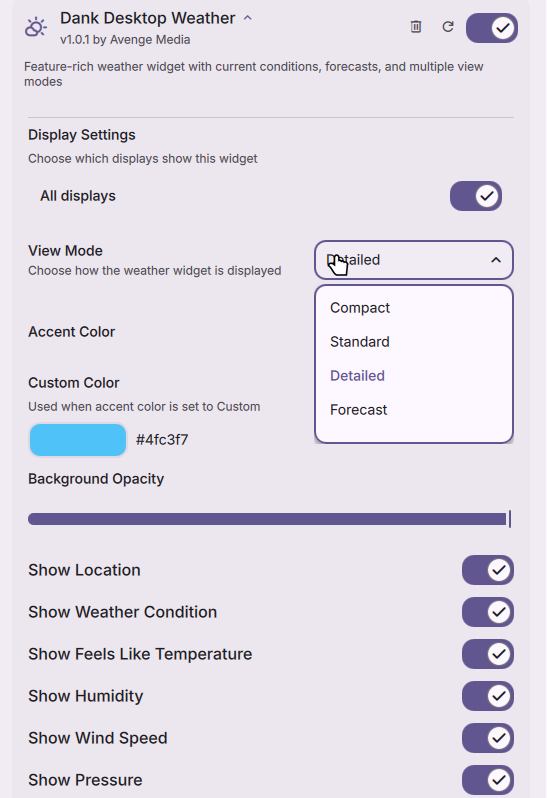
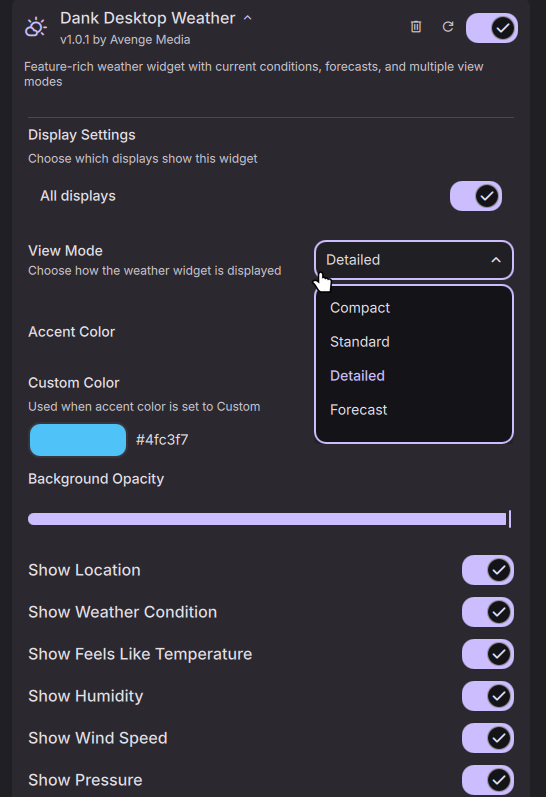
There is one first-party plugin that is now available on the registry: Dank Desktop Weather (requires DMS git/nightly). This plugin adds a weather widget to your desktop that shows current weather conditions and forecasts.
Building Your Own
Making your own desktop widget is straight forward. If you've written javascript and a declarative layout (something like react, vue, json, etc) - it should not feel too foreign.
1. Create the plugin folder
mkdir -p ~/.config/DankMaterialShell/plugins/MyDesktopWidget
cd ~/.config/DankMaterialShell/plugins/MyDesktopWidget
2. Write the manifest
Save as plugin.json:
{
  "id": "myDesktopWidget",
  "name": "My Desktop Widget",
  "description": "A custom desktop widget",
  "version": "1.0.0",
  "author": "Your Name",
  "type": "desktop",
  "license": "<your-license-here>",
  "component": "./MyWidget.qml",
  "icon": "widgets",
  "settings": "./MySettings.qml",
  "requires_dms": ">=1.2.0"
}
The key bit is "type": "desktop" - that tells DMS this is a desktop widget, not a bar widget.
3. Create the widget
Save as MyWidget.qml:
import QtQuick
import qs.Common
import qs.Widgets
import qs.Modules.Plugins

DesktopPluginComponent {
    id: root

    minWidth: 150
    minHeight: 100

    property string displayText: pluginData.displayText ?? "Hello!"
    property real bgOpacity: (pluginData.backgroundOpacity ?? 80) / 100

    Rectangle {
        anchors.fill: parent
        radius: Theme.cornerRadius
        color: Theme.withAlpha(Theme.surfaceContainer, root.bgOpacity)

        StyledText {
            anchors.centerIn: parent
            text: root.displayText
            color: Theme.surfaceText
            font.pixelSize: Theme.fontSizeLarge
        }
    }
}
Users can right-click and drag to move or resize the widget. The minWidth/minHeight properties set the lower bounds.
4. Create the settings panel
Save as MySettings.qml:
import QtQuick
import qs.Common
import qs.Modules.Plugins

PluginSettings {
    id: root
    pluginId: "myDesktopWidget"

    StringSetting {
        settingKey: "displayText"
        label: "Display Text"
        description: "Text shown in the widget"
        placeholder: "Enter text"
        defaultValue: "Hello!"
    }

    SliderSetting {
        settingKey: "backgroundOpacity"
        label: "Background Opacity"
        defaultValue: 80
        minimum: 0
        maximum: 100
        unit: "%"
    }
}
Display settings (position, size, which monitors) are injected automatically - you don't need to handle those yourself.
5. Load it
- Open Settings → Plugins
- Click Scan for Plugins
- Toggle your plugin on
- Open Settings → Widgets and enable the widget on your desired display
That's it. For settings panels, timers, graphs, and more - check out the full plugin development guide.
Get Involved
We hope to see the plugin registry grow with new desktop widgets. Some ideas that would be great as desktop widgets:
- Media controls (mpris, spotify, etc)
- Todo lists
- Stock/Crypto tickers
- News feeds
Submit plugins to the plugin registry - we hope to feature some of them in the next DMS release.
Desktop widgets land in DMS 1.2. Keep an eye on the repo and join the Discord if you want to get started early.