 ██████╗ ██████╗ ██╗      ██████╗ ██████╗ ███████╗
██╔════╝██╔═══██╗██║     ██╔═══██╗██╔══██╗██╔════╝
██║     ██║   ██║██║     ██║   ██║██████╔╝███████╗
██║     ██║   ██║██║     ██║   ██║██╔══██╗╚════██║
╚██████╗╚██████╔╝███████╗╚██████╔╝██║  ██║███████║
╚═════╝ ╚═════╝ ╚══════╝ ╚═════╝ ╚═╝  ╚═╝╚══════╝
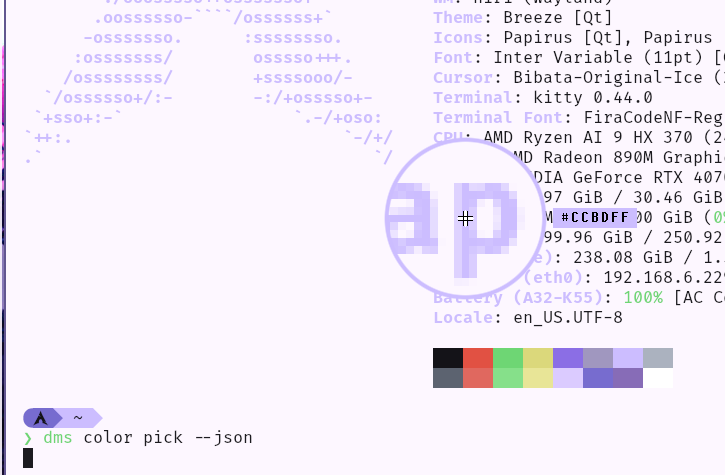
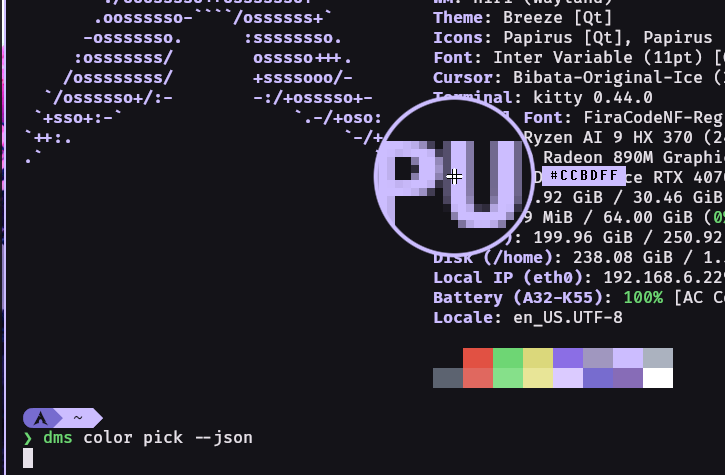
The dms color pick command launches an interactive color picker for Wayland. Click any pixel on your screen to capture its color, with support for multiple output formats and custom templates.
# Pick a color, output as hex
dms color pick

# Output as RGB
dms color pick --rgb

# Auto-copy to clipboard
dms color pick -a
Press Escape to cancel the picker at any time.
Only one format flag can be used at a time. Default is --hex.
--hex#FF8040--rgb255 128 64--hsl24 75% 60%--hsv24 75% 100%--cmyk0% 50% 75% 0%--jsondms color pick --json
Returns all color formats in a single JSON object, useful for scripting.
The -o flag lets you define a custom output format using placeholders {0}, {1}, {2} (and {3} for CMYK).
--hex (default)--rgb--hsl--hsv--cmyk# CSS rgb() function
dms color pick --rgb -o "rgb({0}, {1}, {2})"
# Output: rgb(255, 128, 64)
# CSS hsl() function
dms color pick --hsl -o "hsl({0}, {1}%, {2}%)"
# Output: hsl(24, 75%, 60%)
# Hex without hash
dms color pick -o "{0}{1}{2}"
# Output: FF8040
# Custom CMYK format
dms color pick --cmyk -o "C={0} M={1} Y={2} K={3}"
# Output: C=0 M=50 Y=75 K=0
--hex--rgb--hsl--hsv--cmyk--json--lowercase-l--autocopy-a--output-format-o--config-c--help-hGrab any color from your screen for use in design work:
dms color pick -a
# Picked color is now in your clipboard
Get colors ready for your stylesheets:
# For CSS custom properties
dms color pick --hsl -o "hsl({0}deg {1}% {2}%)" -a

# For rgba with full opacity
dms color pick --rgb -o "rgba({0}, {1}, {2}, 1)" -a
Capture colors programmatically:
#!/bin/bash
color=$(dms color pick --json)
hex=$(echo "$color" | jq -r '.hex')
echo "Selected: $hex"